
Residential Services
Data Recovery / Extraction
Photos or files stuck on an old computer or a drive that stopped working? I’ll try to get them back, at a set price.
- $100 total if I recover your files, $75 total if I can’t.
- Best effort. Recovery isn’t guaranteed.
What I do
I use recovery software to get files off drives that are hard to read. I’ll do my best, but some files or drives can’t be recovered.
Common problems I fix
- Photos and documents on an old computer you no longer use
- A computer that won’t start, but the drive may still be readable
- An external drive that isn’t found or won’t open
- Files that were deleted by mistake
- A drive that clicks, grinds or keeps disconnecting
This is different from the backup included with a computer repair, which copies files from a drive that still reads normally.
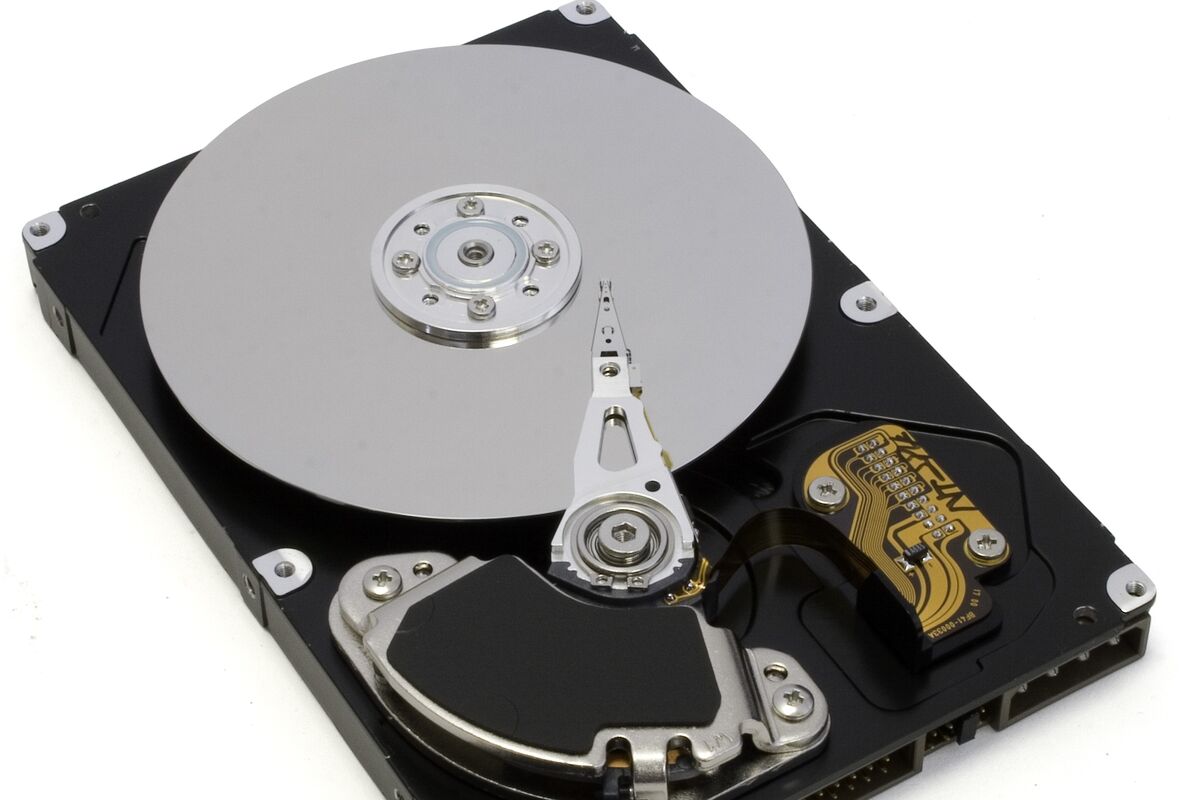
Physical drive damage may need a specialist recovery lab. I don’t open sealed hard drives or do clean-room recovery. If your drive needs that, I’ll tell you instead of risking it.
Pricing
You pay one of these totals, never both. A $75 deposit you already paid counts toward it.
-
Files recovered
$100 total
If I get your files back.
-
No files recovered
$75 total
If I can’t recover any data, the attempt costs $75 in total.
How it works
-
Book a drop-off.
I’ll confirm a day and time with you.
-
I try to recover your files.
A working drive is often quick. A failing drive can take several days, and I can’t promise a finish date.
-
Pick up and pay one total.
We set a pickup time. It’s $100 if I recovered data, or $75 if I couldn’t.
Common questions
How much does it cost?
$100 in total if I recover your files, or $75 in total if I can’t recover any data. They aren’t added together, and a deposit you already paid counts toward the total.
How long does it take?
Copying files from a working drive is often quick. A failing drive can need an in-depth process over several days. I’ll keep you posted, but I can’t promise a finish date.
Can you promise to get my files back?
No. I’ll do my best, but recovery isn’t guaranteed. Some files or drives can’t be recovered.
Should I keep using a drive that’s failing?
No. Turn the computer off. Don’t keep turning it on to copy files, run repair tools or reinstall anything. Using it more can make recovery harder.
Should I back up my computer?
Yes, whenever you can. Ask me about simple ways to back up so you don’t have to rely on recovery.
Not sure what’s wrong?
Tell me what’s happening. I’ll contact you about the next step. Drop-off and pickup by appointment.