
Friendly local computer repair
Computer Repair in Temple, TX
Slow, broken, or won’t turn on? I’ll find out what’s wrong and whether it’s worth fixing.
Drop-off and pickup by appointment.
I’ll contact you about next steps and confirm any appointment. Sending a request doesn’t book a time.
What customers say
A selection of reviews from my Google Business Profile.


What I can help with
Pick the closest match, or describe the problem in your request.
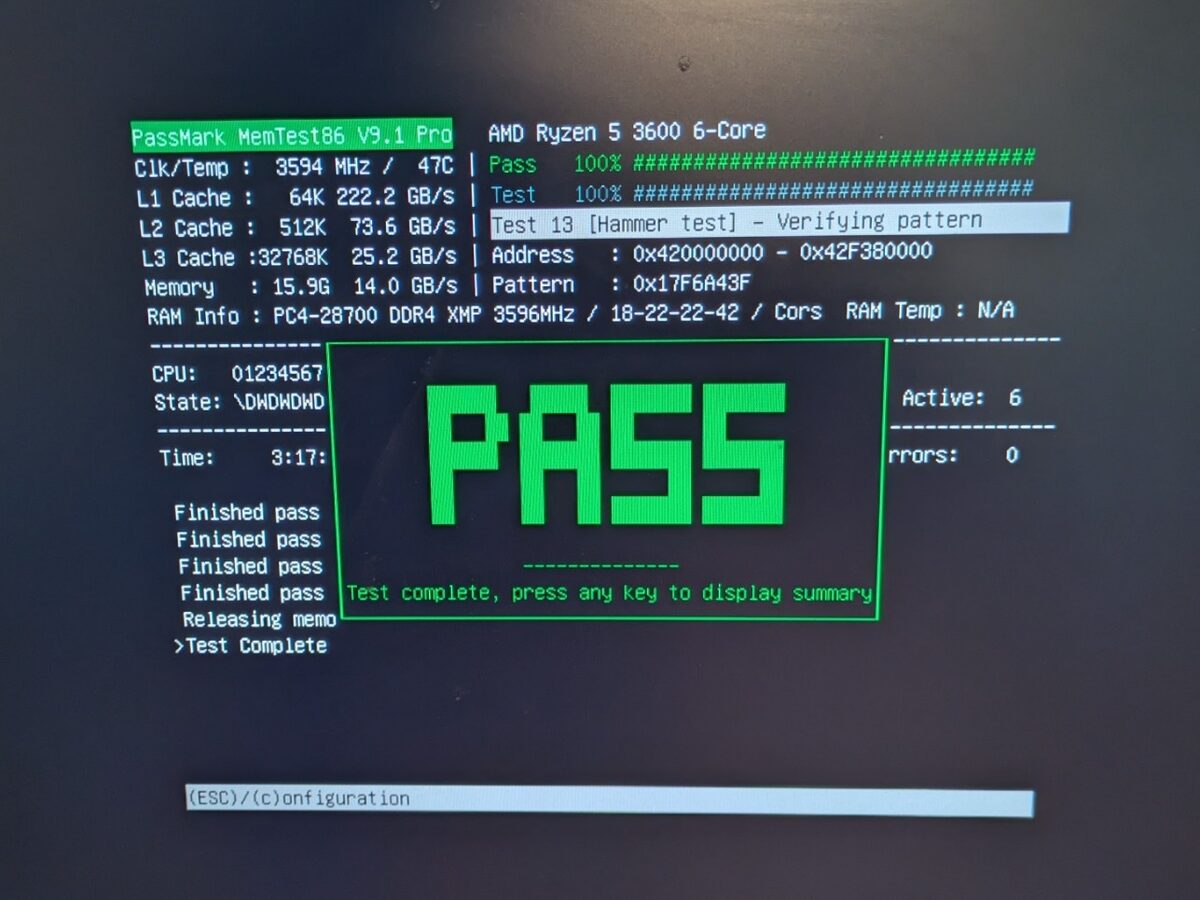
Computer & software repair
Slow, freezing, pop-ups, error messages, or a computer that won’t start.
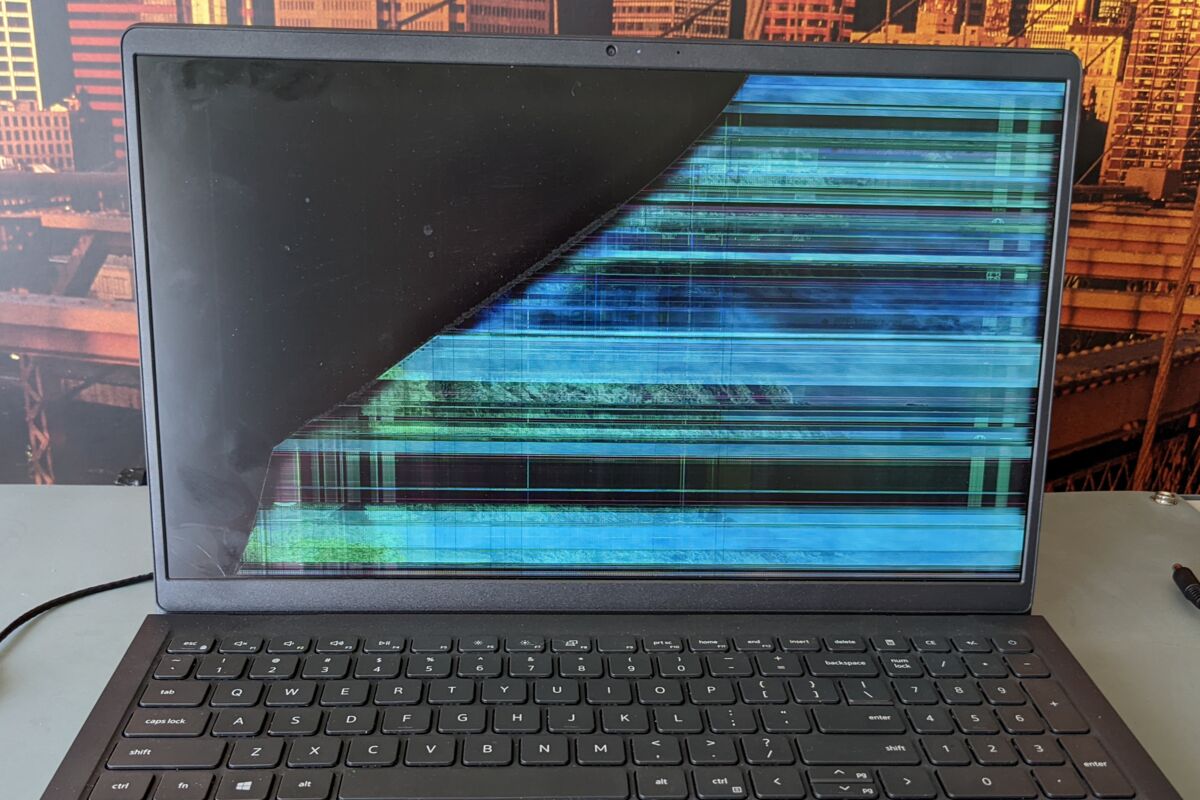
Laptop repair
Cracked screens, dead keys, charging trouble and laptops that won’t start.
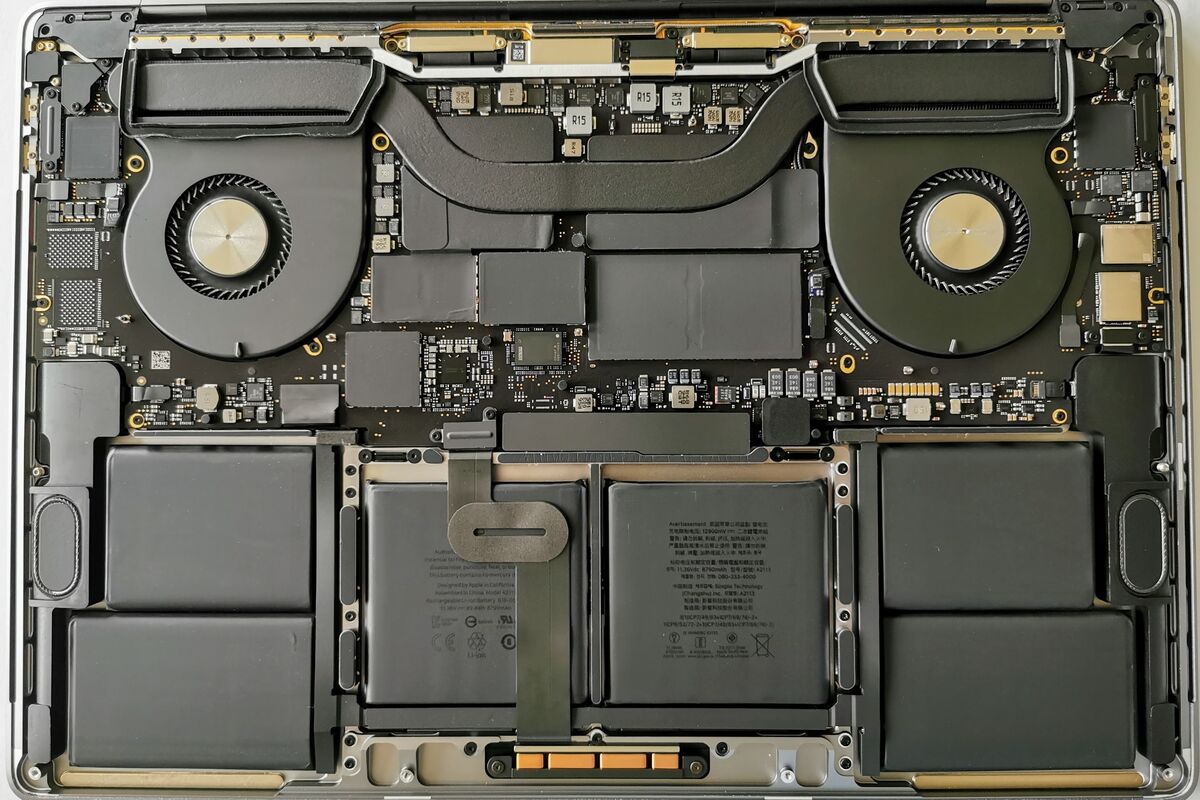
Mac repair
MacBooks and iMacs, after I check that your model can be fixed.
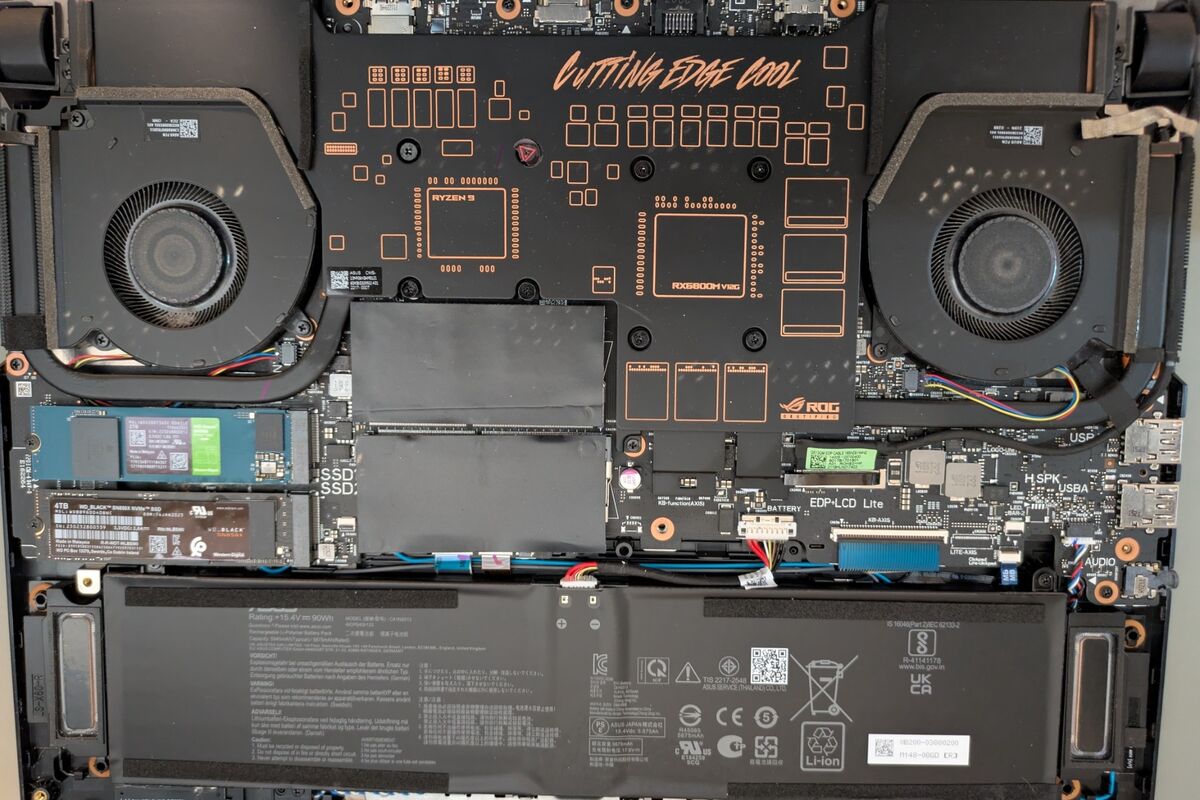
Memory & drive upgrades
More memory or a faster drive (SSD) to speed up an older computer.
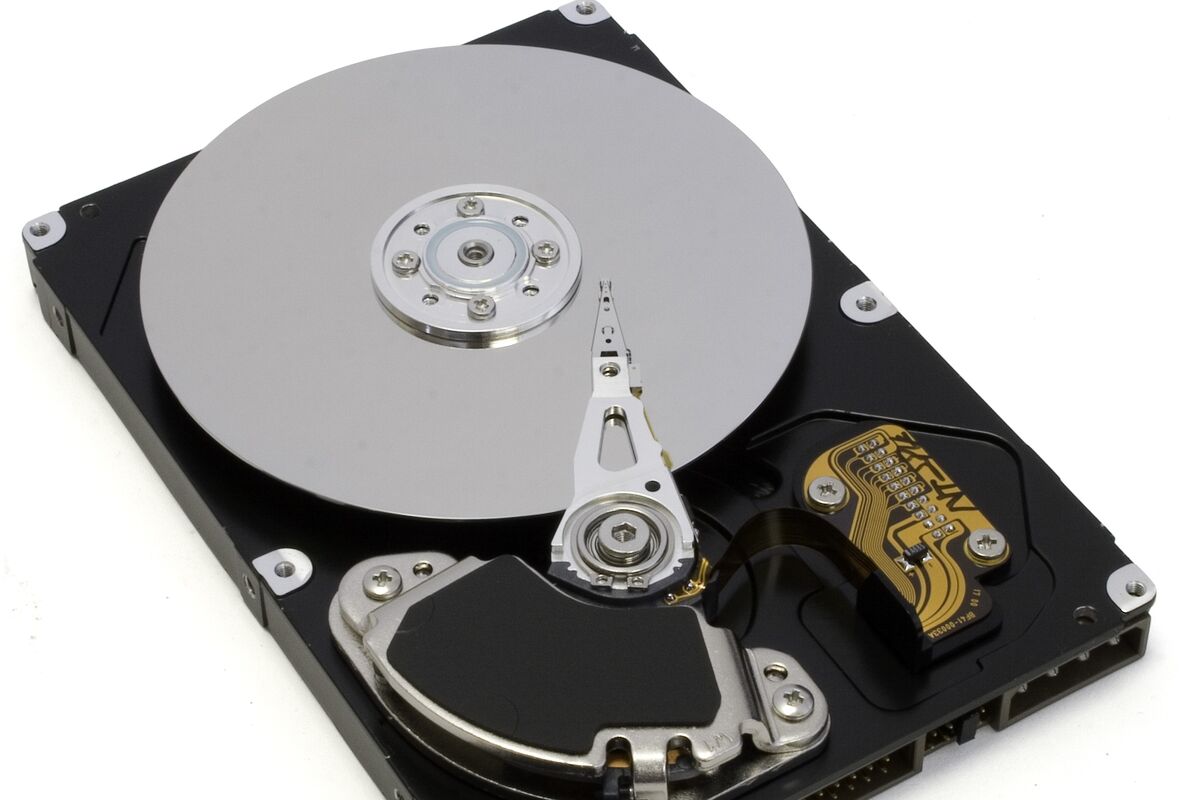
File transfer & recovery
Move files to a new computer, or try to recover them.
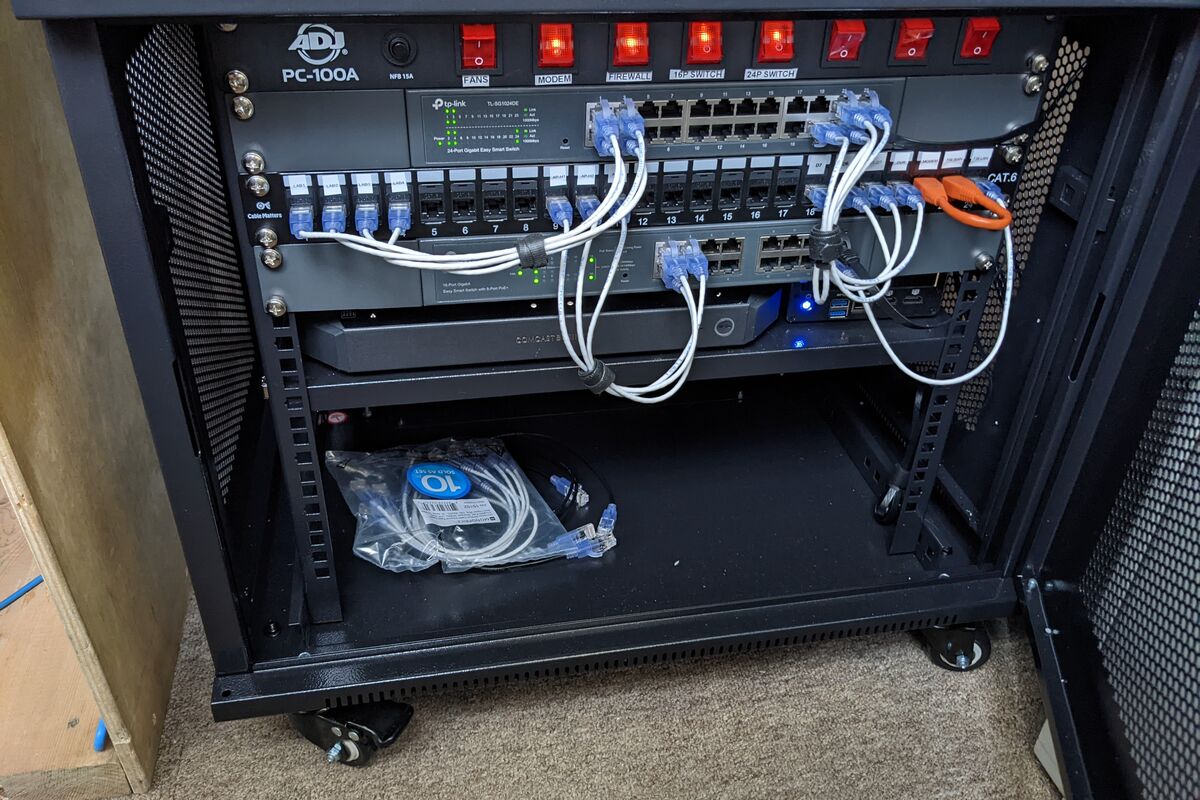
Wi-Fi & tech help
Weak Wi-Fi, dead spots and dropped connections at home or work.
Know the price before you approve the repair.
I inspect your computer, explain what I find and give you the price. No repair work starts until you approve it.
-
Software & upgrades
$130 labor
Software fixes and simple upgrades: more memory (RAM) or a faster drive (SSD). Parts are extra.
-
Hardware repairs
$165 labor + parts
Replacing broken parts, such as screens and keyboards.
-
Mac repairs
$200 labor + parts
I check first that your Mac model can be fixed.
Prices are for labor. Parts are extra when a repair needs them.
The $75 diagnostic deposit covers checking your computer and counts toward an approved repair.
Example: $130 labor minus your $75 deposit leaves $55 labor due, plus approved parts and tax.
If you decline the repair, the deposit is not refunded. Deposit terms
Not sure which service applies? Describe the problem and I’ll help you with the next step.
What your repair includes
- A diagnosis in plain words. I find the cause and explain it, so you can decide what to do.
- A repair plan and price you approve. Nothing chargeable is added without your OK. Final pricing can depend on what I find.
- A backup attempt. When the computer and its drive can still be read. Failing drives and unreadable files may need separately priced data recovery.
- Testing for the repair. I test the parts and software I worked on before you pick it up.
- Repair warranty. 30 days on software work for the same issue, or six months on the parts I replace or work on and the related workmanship. It covers my work, not the whole computer.
How it works
-
Tell me what’s wrong.
Send a request or call. I’ll confirm a drop-off time with you.
-
I check it and you approve the price.
You get my findings in plain words. Nothing is fixed until you say yes.
-
Pick up your tested computer.
I fix and test it, then we set a pickup time.

Meet Tyler
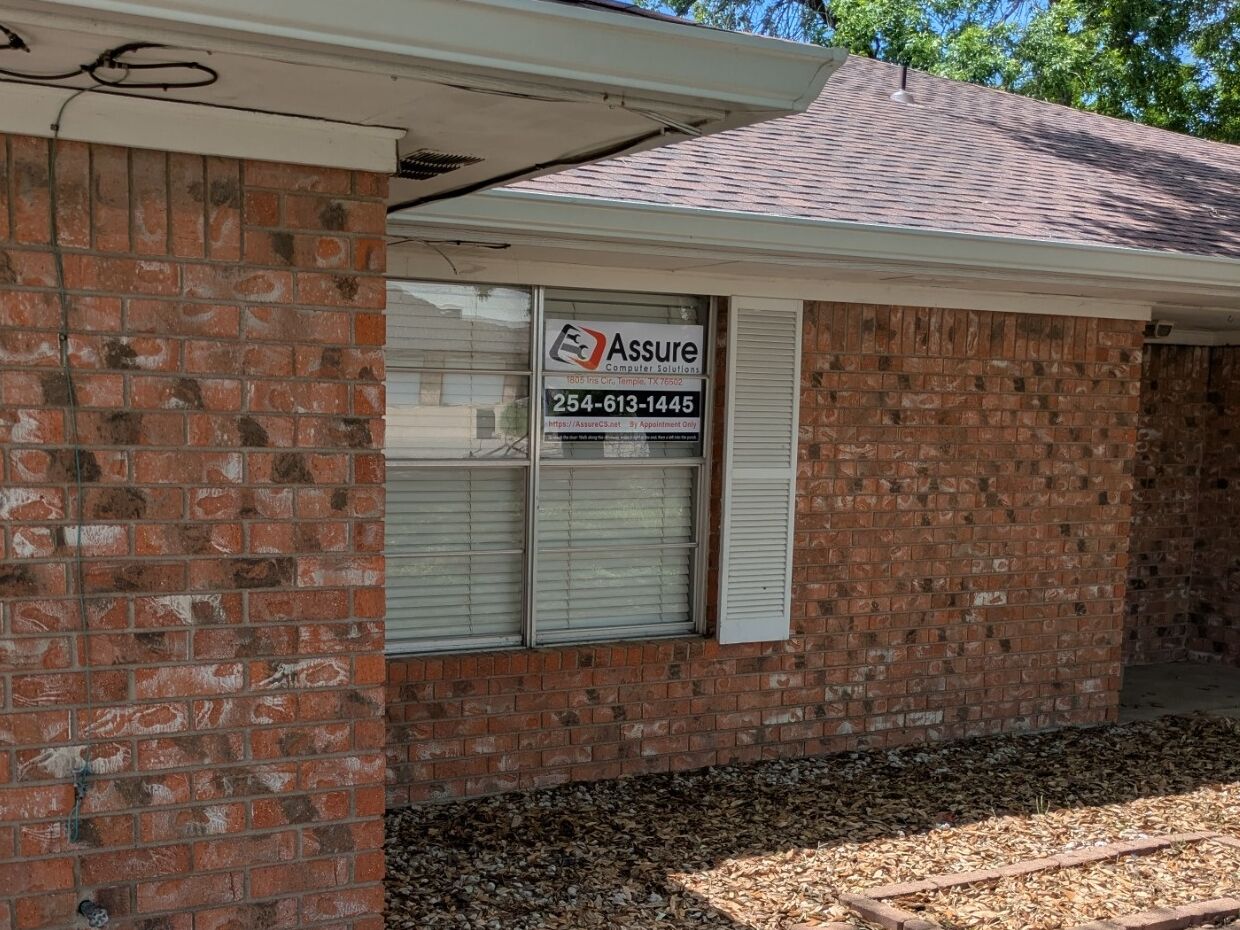
I’m Tyler Bigley, the owner of Assure Computer Solutions. I repair computers at my home-based location in Temple, by appointment, so you always know where your computer is and who is working on it.
If a repair isn’t worth the cost, I’ll tell you plainly, even if that means no repair.
For small businesses
Office tech that just works
I help small offices with practical projects. You deal with me directly, from the first talk to the hand-over.
The first planning meeting is free. It’s for talking about what you need and making a plan. Hands-on work is $75 an hour, quoted first.
- Fix office Wi-Fi that drops or doesn’t reach
- Find what’s slowing your network down
- Set up or replace office computers
- Plan network, firewall or camera work
Common questions
How much will my repair cost?
Labor is $130 for software work and simple upgrades, $165 plus parts for hardware repairs, and $200 plus parts for Macs. I check the computer first and tell you the price. Nothing is fixed until you approve it.
What is the diagnostic deposit?
The $75 diagnostic deposit covers checking your computer and counts toward an approved repair. If you decline the repair, the deposit is not refunded.
Is it worth fixing, or should I replace it?
Sometimes a repair costs more than the computer is worth. If so, I’ll tell you plainly and go over your options. You decide. If you choose not to repair it, the deposit covers the check.
Will I lose my files?
A backup is included with every desktop, laptop and Mac repair. When you drop off your computer, backing it up is my first step, if the computer and its drive are in good enough shape to read. If a drive is failing or files can’t be read, a backup may not be possible. Don’t keep turning a failing computer on to try. Turn it off and tell me. Getting files off a failing drive is data recovery, which is priced separately.
Do I need an appointment?
Yes. Service is by appointment. Please schedule before stopping by so I can be available and ready for your visit. Send a request or call, and I’ll contact you to set a time.
What does the warranty cover?
Software repair work has a 30-day warranty for the same issue or work performed. Hardware repair work has a six-month warranty covering the hardware actually replaced or worked on and the related workmanship. It doesn’t cover the whole computer or new, unrelated problems. Covered warranty rechecks do not require another diagnostic deposit.
Pricing and deposit details Helpful tips What’s changing at Assure Computer Solutions
Tell me what’s going on.
Send a request, or call me. Service is by appointment. Please schedule before stopping by so I can be available and ready for your visit.
-
Email
-
Appointment times
By appointment, 10 AM–7 PM
Request repair help
Tell me what’s happening. I’ll contact you about the next step and confirm a time if an appointment is needed.
Sending this form doesn’t take a payment, book a time or approve a repair. See the Privacy Policy and Terms of Service.